Compare complete trading costs
Consider spread and any trading commission together. Holding costs can matter if you keep positions overnight.
 Exness trading informationRegister / Log in
Compare Exness account types, trading costs and platforms for South African users. Start with the pricing table, choose between desktop, mobile and browser access, then follow the registration or demo steps. Deposit requirements depend on the account, payment method and region.
Consider spread and any trading commission together. Holding costs can matter if you keep positions overnight.
Use desktop MetaTrader for compatible EAs. Mobile and browser access are practical for supported manual trading.
Use demo to learn order controls. For live deposits, read the account requirement and payment-method minimum separately.
Exness
| Account | Spread from | Trading commission |
|---|---|---|
| Standard | 0.2 pips | None |
| Standard Cent | 0.3 pips | None |
| Pro | 0.1 pips | None |
| Raw Spread | 0.0 pips | Up to USD 3.50 per side per lot |
| Zero | 0.0 pips | From USD 0.05 per lot per side |
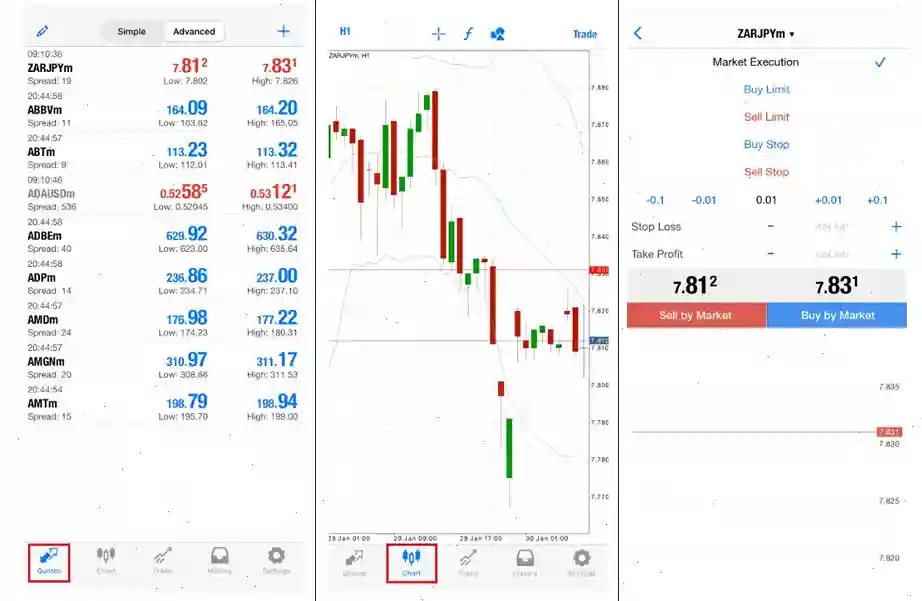
Charts, manual orders and desktop MQL4 automation. Connect with an MT4 account and its assigned server.
Open page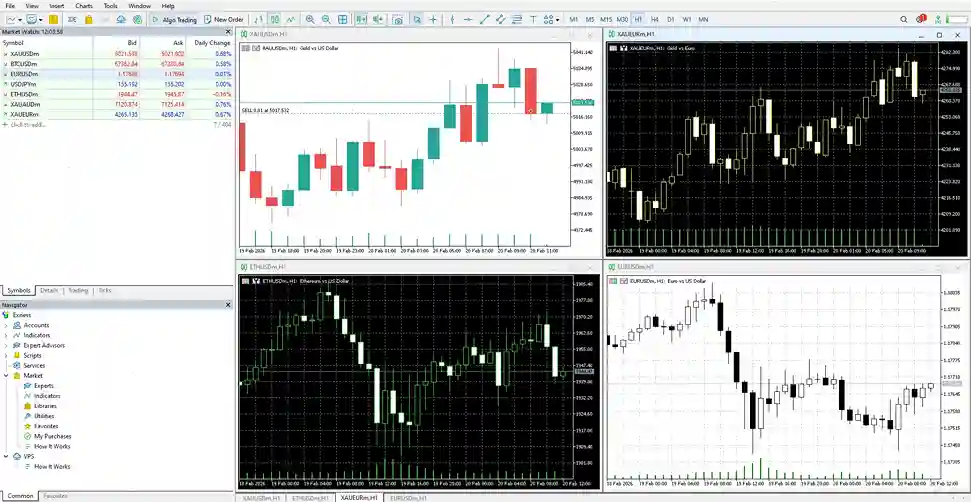
Charting, desktop MQL5 programs and strategy testing. MT5 needs its own compatible trading account.
Open page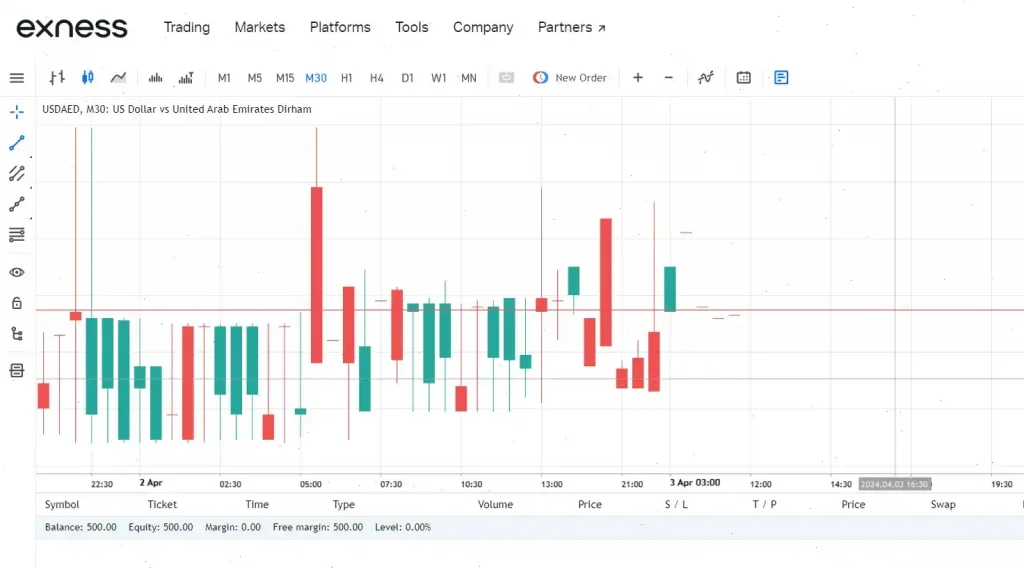
Open a supported terminal from Personal Area without installing desktop software. Account and regional restrictions apply.
Open pageOpen the official Exness website, enter your actual residence and complete the requested profile details.
Use Personal Area for the requested identity and address documents. Read the review status there.
Select Real or Demo, account type, platform and currency. Then open the supported terminal from your account.
There is no single amount for every account. The first deposit depends on account and regional conditions; each payment method also has a transaction minimum. Personal Area shows the applicable amounts, currencies and processing conditions.
Open pageLeveraged CFDs can cause substantial losses. Margin is collateral, not a limit on what a trade can lose.
Read about trading riskExness provides a South African application route. The accounts and services offered depend on your residence and the company named during registration; a group licence does not describe every account’s protections.
ZAR appears among the currencies listed for some Exness accounts. Choose from the currencies offered when creating your account; paying in rand does not automatically make the trading account ZAR-denominated.
No real deposit is needed to trade with virtual demo funds. A demo is useful for learning order controls before deciding whether to open or fund a live account.
No. Each trading account belongs to its selected platform. Create a separate account if you need the other MetaTrader version.
The selected payment method shows its processing conditions in Personal Area. Broker processing and receipt by your payment provider are separate stages, so there is no single time for every withdrawal.
Use the account-types page for spread and commission pricing. For a specific trade size, use the manual calculator and include the instrument’s costs in Pro Planner.
References reviewed on 15 September 2026; selected source checks repeated on 16 September 2026. The pricing table retains the supplied 26 January 2026 reference. Use the account’s current instrument terms for a trade.
Open the Exness educational trading calculator →
Manual educational examples, not quotes or recommendations. Capital can be lost. Values stay in this browser page.
Your browser local time:
UTC:
Clock only, not market-open status. Verify instrument hours and holiday schedules in the official terminal.
Compare all five Exness account types by spread, trading commission, execution and deposit conditions, with a worked cost comparison.
Open pageGet Exness Trade through the official download route, choose the right iPhone trading app and solve common sign-in or compatibility problems.
Open pageUnderstand Exness XAUUSD contract size, pip value and margin. Work through a labelled gold example and translate dollar exposure into rand.
Open pageOpen an Exness demo, choose MT4 or MT5, change virtual funds and practise an order. Compare demo access with real-money trading.
Open pageUse moving averages, RSI and ATR on Exness-supported charts. Understand what each measures, how to add indicators and how to test signals.
Open pageSign in to Exness Personal Area, register a profile or recover access. Find the correct credentials and server for MT4 and MT5.
Open pageDownload Exness MT4 through the official website, connect an MT4 account and learn order controls, desktop automation and common login fixes.
Open pageSet up Exness MT5, connect the right server and use charts, orders and history. Compare desktop automation with mobile and browser access.
Open pageFind how Exness first-deposit requirements differ from payment-method minimums, compare account types and understand later deposits and rand conversion.
Open pageChoose an Exness account type, MT4 or MT5, currency and demo or real status. Prepare verification and understand which settings need a new account.
Open pageBuild a CFD trading plan with clear entry and exit rules, position sizing and cost-aware testing. Work through a labelled expectancy example.
Open pageCompare Exness Terminal with MetaTrader WebTerminal, open the right browser platform and learn account login, order controls and session recovery.
Open pageEstimate lots, margin, pip value and trade risk with manual inputs. Use Simple or Pro Planner, include costs and understand ZAR conversion.
Open pageYour next step
Open the official Exness website, then register or sign in to Personal Area.